Your README Shouldn’t Be the Dev Environment
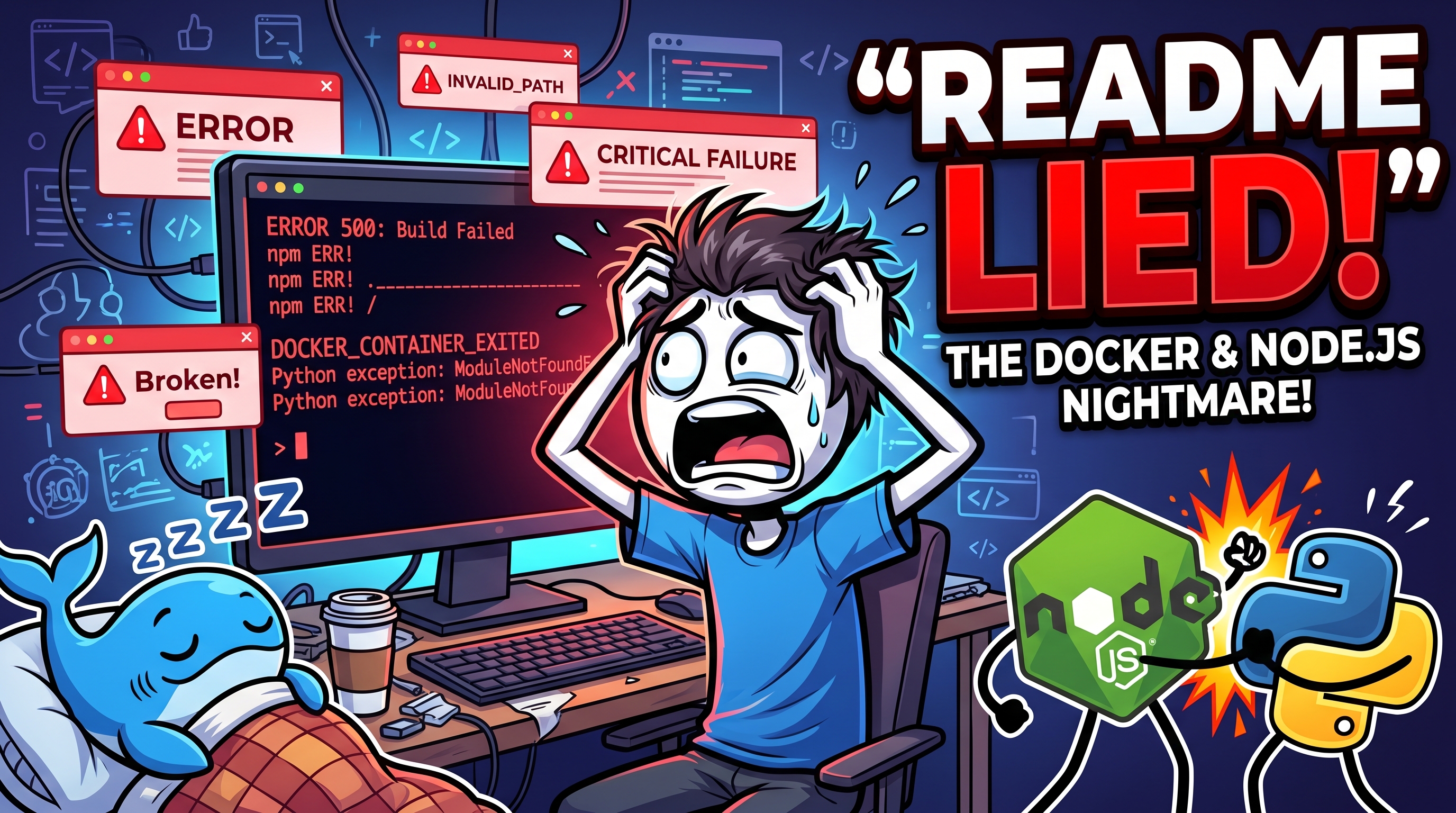
Most setup guides quietly assume your laptop already looks like the maintainer’s laptop.
The README says the project takes five minutes to start. Then the first developer clones the repo and spends an hour fixing Node versions, reinstalling Python, setting up Postgres, waiting for Docker containers, and trying to figure out why one script only works on somebody else’s machine.
The real problem is not onboarding. It’s that the project environment exists as tribal knowledge instead of code.
That’s the gap tools like Devbox are trying to close.
Instead of documenting the environment in a setup guide and hoping everyone follows it correctly, Devbox makes the environment part of the repository itself. The versions, packages, scripts, and services live in source control alongside the application code.
That changes more than people expect.
The Problem With “Works on My Machine”
A lot of development pain comes from invisible differences between machines.
One developer has Node 18 installed globally. Another has Node 20. Someone upgraded Python six months ago and forgot about it. Docker images behave differently depending on local state. Homebrew installs drift over time. CI passes while local development breaks.
Teams usually try to solve this with longer READMEs.
Install this.
Then install this.
Run these commands.
If that fails, try this other command.
At some point the setup instructions become their own maintenance burden, and they still don’t guarantee consistency.
The issue is that documentation cannot enforce an environment. It can only describe one.
What Devbox Actually Does
Devbox takes a simpler approach.
You create a devbox.json file and list the tools the project needs:
- Node.js
- Go
- Python
- Postgres
- Redis
- Any CLI dependency your project relies on
Then you commit that file.
Another developer clones the repository, runs:
devbox shelland gets the same environment.
Not approximately the same. The actual versions defined by the project.
No global installs. No dependency conflicts with unrelated projects. No accidental upgrades because a package manager updated something in the background.
A minimal setup looks something like this:
{
  "packages": ["nodejs@20", "go@1.22", "python@3.12"]
}
That alone removes a surprising amount of friction.
The important detail is that these tools belong to the project, not the operating system. When you leave the shell, your normal machine environment stays untouched.
That separation matters more over time than it does on day one.
Nix Without the Nix Learning Curve
Under the hood, Devbox uses Nix.
Nix has been respected for years because it focuses heavily on reproducibility. It can pin exact dependency versions and rebuild environments consistently across machines.
The downside is that Nix itself can feel intimidating if all you wanted was the correct Node version for a web app.
Devbox smooths out that experience by wrapping Nix with a workflow most developers already understand.
Instead of writing Nix expressions manually, you work with straightforward commands:
devbox init
devbox add nodejs@20
devbox shell
devbox run test
That distinction is important.
Most developers are not trying to become Nix experts. They just want reliable environments that don’t break every sprint.
Devbox keeps the reproducibility benefits while lowering the barrier to adoption.
The Small Features That End Up Saving Time
The practical value of Devbox becomes clearer once a project grows beyond a single runtime.
Modern applications rarely depend on one tool anymore. A typical repository might need:
- Node for frontend tooling
- Python for scripts
- Go for backend services
- Postgres locally
- Redis for caching
- Multiple CLIs for deployment or infrastructure
Without isolation, those dependencies slowly leak into the host machine and start conflicting with each other.
That’s when development environments become fragile.
Devbox helps by centralizing everything into one project-level definition. It also supports reusable scripts directly inside the configuration:
{
  "shell": {
    "scripts": {
      "test": ["npm test"]
    }
  }
}
Now the command becomes:
devbox run testEveryone on the team runs the same command with the same toolchain.
That consistency matters in CI too. A large percentage of “random” pipeline failures come from differences between local and automated environments.
Devbox will not magically fix every CI issue, but it removes a large category of avoidable ones.
Where Devbox Fits — And Where It Doesn’t
Devbox is not trying to replace every infrastructure tool.
If your workflow depends heavily on containers, Docker still makes sense. If you need full cloud-based development workspaces, platforms like GitHub Codespaces solve a different problem.
Devbox works best when the goal is reproducible local development and cleaner automation.
There are also tradeoffs.
The first dependency download can be slow because Nix needs to populate its store. Large configurations can become messy if too much logic gets stuffed into JSON. Shell scripts are usually a better place for complicated setup steps than embedding giant commands inline.
Still, those drawbacks tend to feel manageable compared to the usual alternative: debugging environment drift for half a day.
Why This Matters More Than It Sounds
A broken setup is rarely a technically difficult problem.
That’s why it becomes so frustrating.
Nobody enjoys spending a morning reinstalling runtimes instead of building features. New developers should not need a guided tour just to run the project locally. Teams should not depend on one person who “knows the magic setup.”
The strongest part of Devbox is not the tooling itself. It’s the shift in mindset.
Your development environment stops being a checklist hidden in documentation and becomes part of the actual codebase.
That is a much more reliable place for it to live.